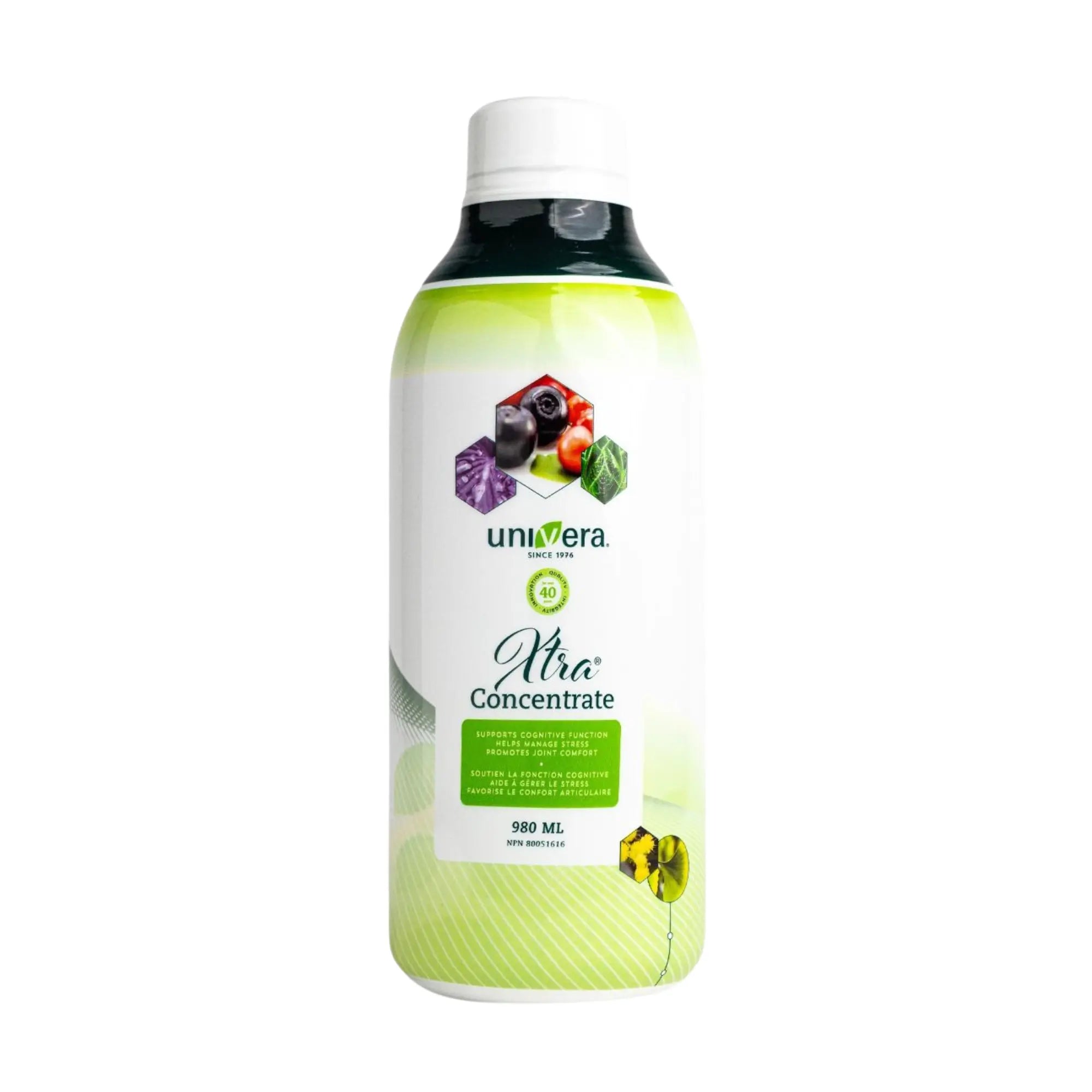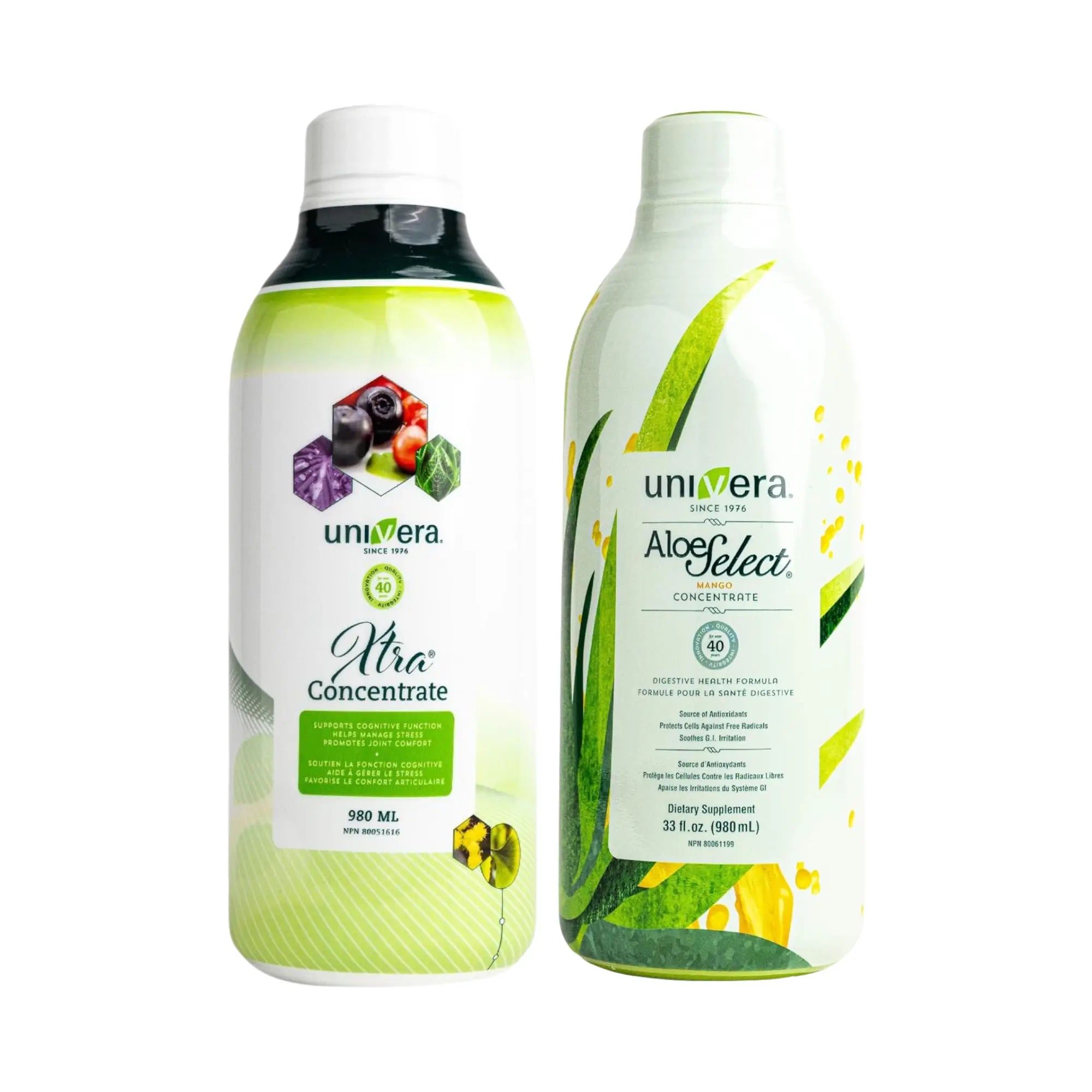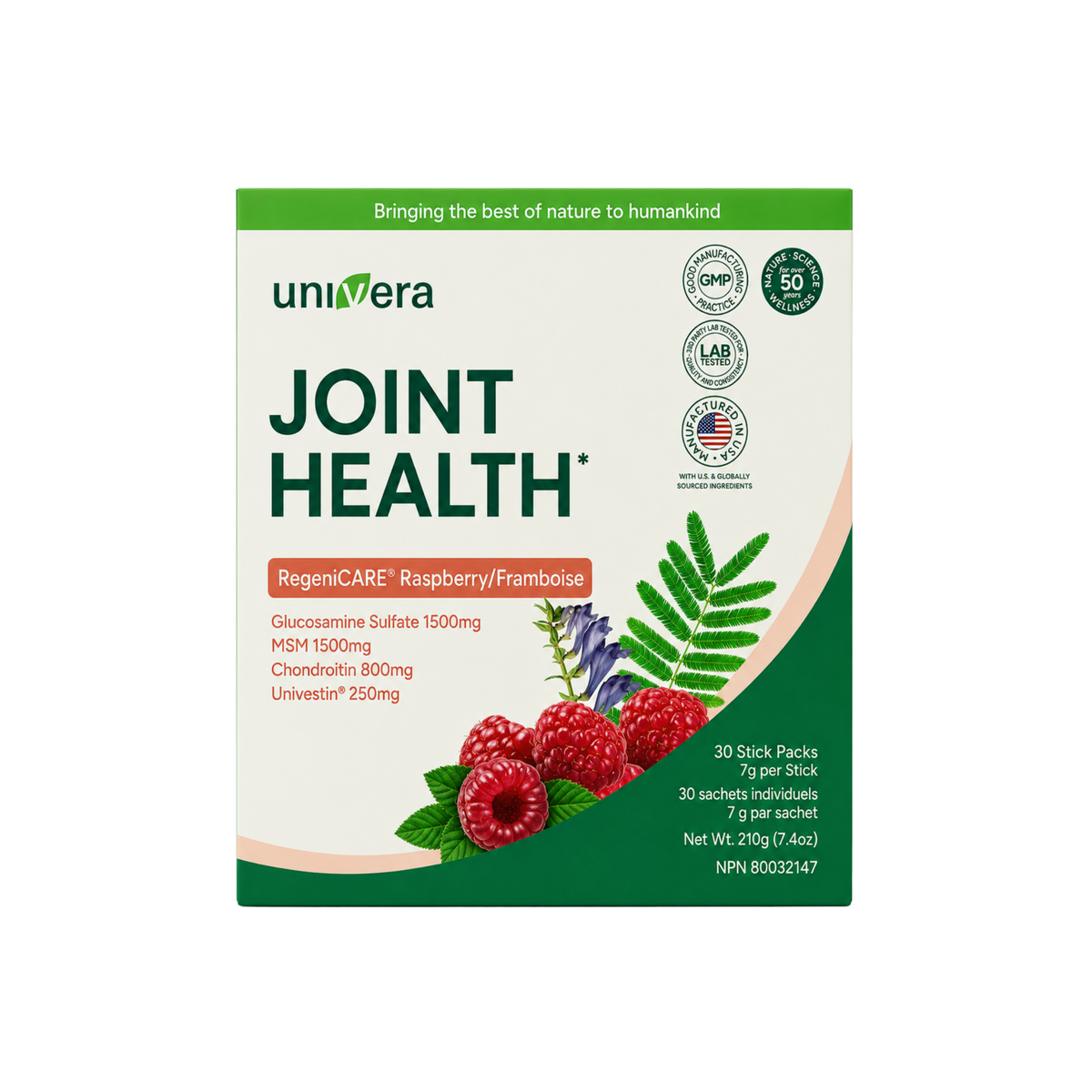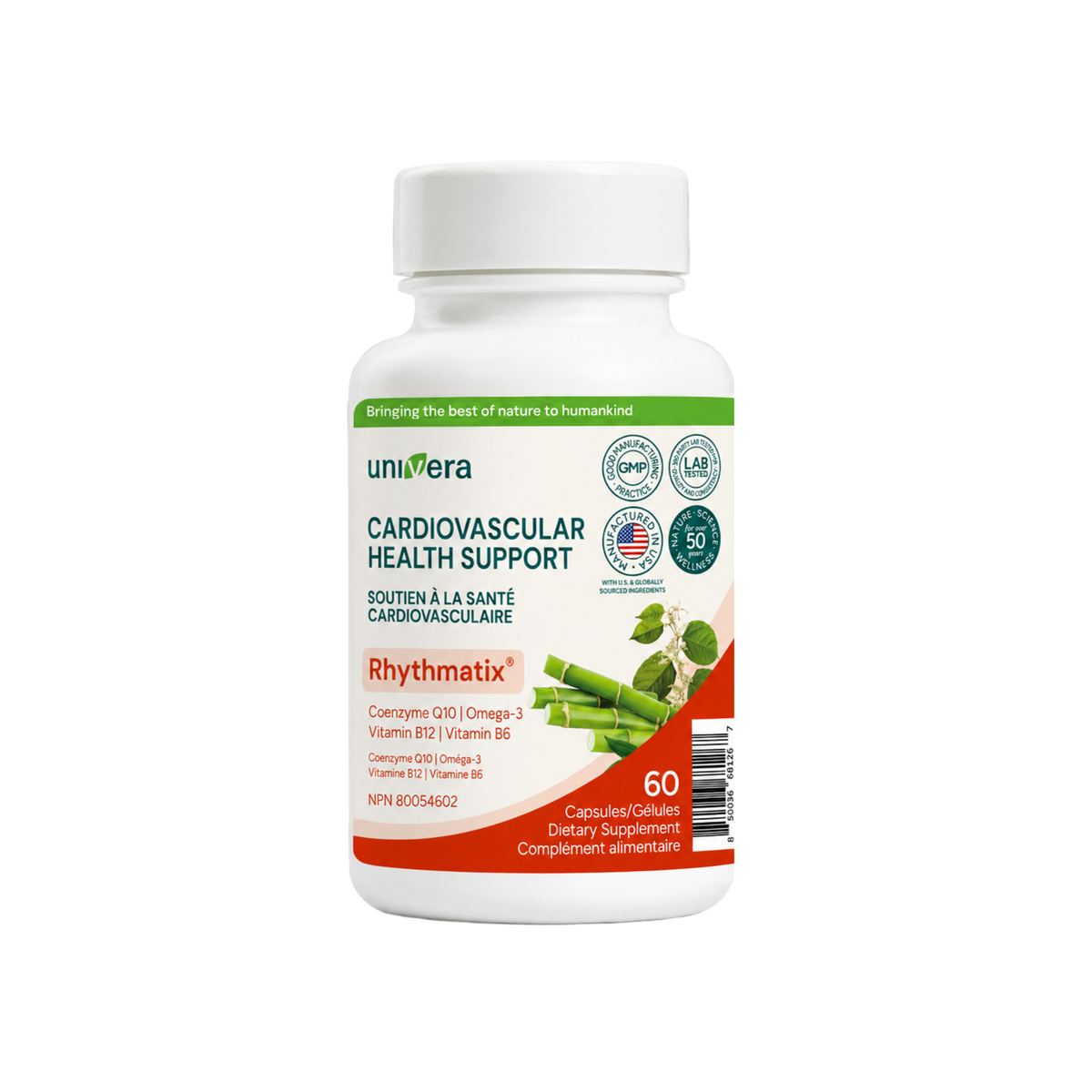



Univera Subscribe & Save
Discover a world of exclusive Univera rewards designed especially for our most loyal subscribers. Enjoy personalized savings, early access to new product launches, and special member-only offers—our way of saying thank you for being part of the Univera family.
Experience the Power of Consistent Wellness.
Explore the exclusive benefits made for your wellness journey — enjoy free shipping, ongoing savings, and early access to new innovations.

Stay Healthy, Spend Less
Save 15% on every order — from your first purchase to every refill. That’s up to $90 in annual savings on your favorite Univera supplements.

Guaranteed Lowest Price
No promo codes, no hassle. As a subscriber, you’ll automatically receive the best available price on every order — every time.

Exclusive Launch Deals
Be the first to know about new product launches and enjoy up to 50% off during subscriber-only promotions. Subscribe today to unlock these special offers

Your Schedule, Your Way
Customize your delivery plan — weekly, monthly, or anytime in between. Add, skip, or swap items easily so your wellness routine fits your lifestyle.

Friendly Reminders
We’ll email you before each shipment so you can make any changes or pause your order if needed. Stay flexible, stay in control.
How to Start Your First Subscription
Choose Your Products
Browse your favorite Univera supplements on the product page.
Select “Subscribe & Save 15%"
Click the box to join our subscription program and unlock instant savings.
Complete Your Checkout
Complete your order to start your flexible subscription — no commitment required.
Enjoy the Benefits
Get 15% off every order, free shipping, and effortless deliveries each month.
How to Manage Your Subscription
Discover how to change delivery frequency, skip or reschedule shipments, pause or cancel your subscription, and update payment or shipping details. You’ll also learn how to add a one-time order to your subscription to save on delivery fees.

Learn How to Manage Your Subscription
How to Start Your Subscription
Learn how to access your subscription, place your first subscription order, and create additional subscriptions step by step. This video guides you through everything you need to get started with confidence.

Learn How to Start Your Subscription
Frequently asked questions
Here are some of the most common questions our customers ask about subscriptions — and their answers.
Subscription Order
You can start a subscription by selecting the “Subscribe & Save 15%” option on any eligible product page and completing checkout as usual. Your subscription will automatically renew based on your chosen delivery frequency.
Simply log in to your Univera account → Manage Subscription.
From there, you can update your shipping address, payment method, next shipment date, or delivery frequency anytime.
Yes! You can easily skip your next delivery or pause your subscription under Manage Subscription. We’ll also send you an email reminder before each shipment so you can make any changes in advance.
You can cancel anytime under My Account → Manage Subscription. Just select the subscription you’d like to cancel and click “Cancel Subscription” on the bottom of the page. No hidden fees or commitments.
Yes, you can swap products anytime before your next shipment date. Go to Manage Subscription → Edit → Swap product, choose your new item, and save your changes.
Subscription Benefits & More
Subscribers enjoy:
- 15% off every order
- Guaranteed lowest price (no promo code needed
- Never run out of your wellness essentials
- Build a consistent wellness habit
- Early access to exclusive deals and product launches
Since subscribers already receive 15% off plus free shipping, additional promotional discounts may vary depending on the campaign. Please refer to the promotion’s Terms & Conditions for details.
Please make sure you’re using the same email address you used at checkout.
If this is your first time logging in, click “Create Account” on the login page — your subscription will automatically link to your account once it’s created.
If you still have trouble, contact customercare@univera.com for help.
Start Your Wellness Journey
Top Subscribed Products
Share details of your store's product selection, or share a story that speaks to your customers.